Delta Force
Updated
Current Version
1.202.37117.5601
Offered By

With your passion for Delta Force, you shouldn’t have to limit yourself to the small screen of a phone. Play like a pro and take full control of the game using a keyboard and mouse. MEmu gives you everything you’re looking for. Download and play Delta Force on PC. Play as long as you want — no more worries about battery life, mobile data, or unexpected calls. The all-new MEmu 9 is the best way to play Delta Force on PC. With our expertly designed keymapping system, Delta Force feels just like a real PC game. The MEmu multi-instance manager lets you run two or more accounts on the same device at the same time. Most importantly, our exclusive emulation engine unlocks your PC’s full potential, delivering smooth and seamless performance.
Show more
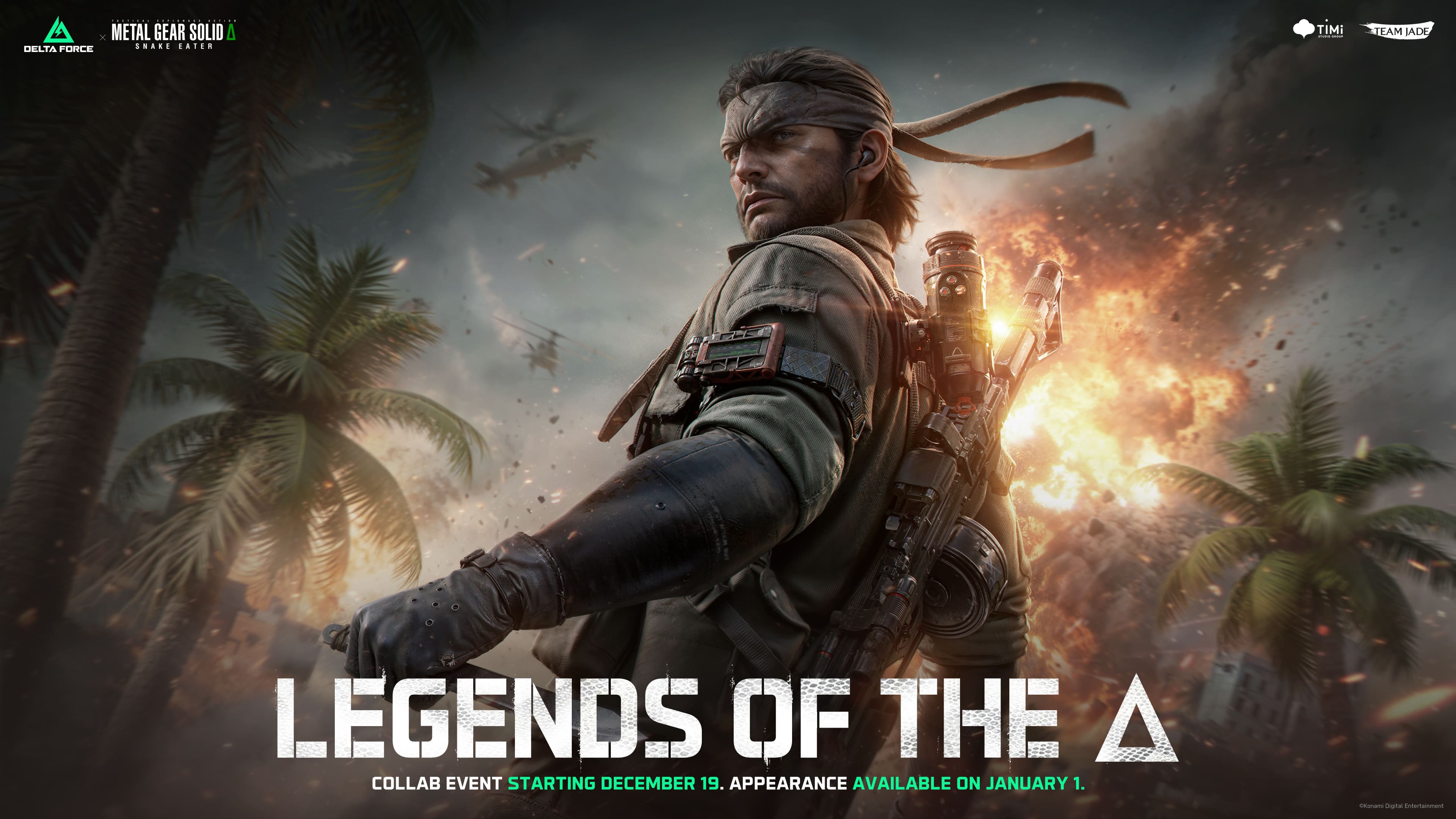
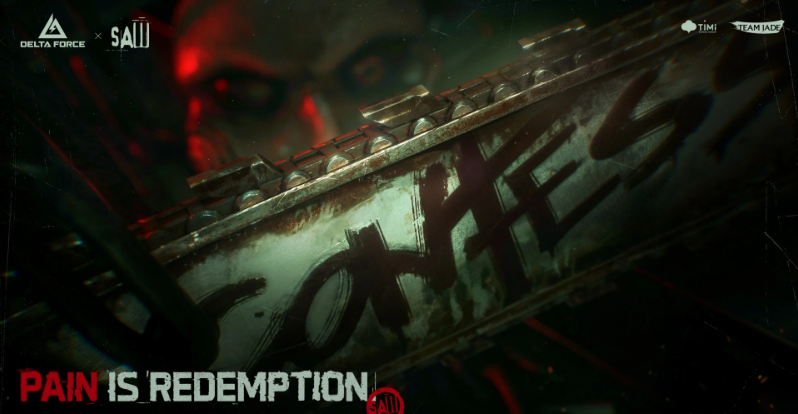
Download Delta Force on PC with MEmu Android Emulator. Enjoy playing on big screen. DELTA FORCE — ANNIVERSARY SEASON: REORIENTATION IS NOW LIVE!
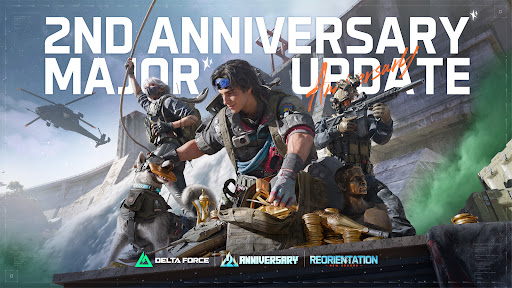
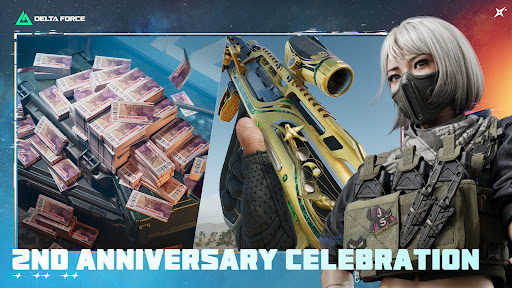
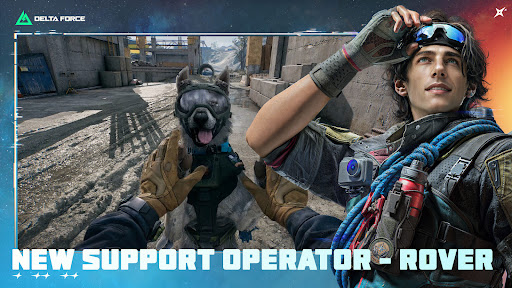
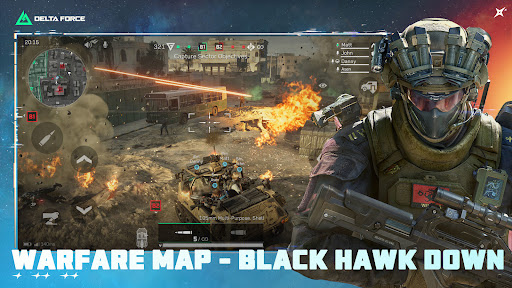
DELTA FORCE — ANNIVERSARY SEASON: REORIENTATION IS NOW LIVE!
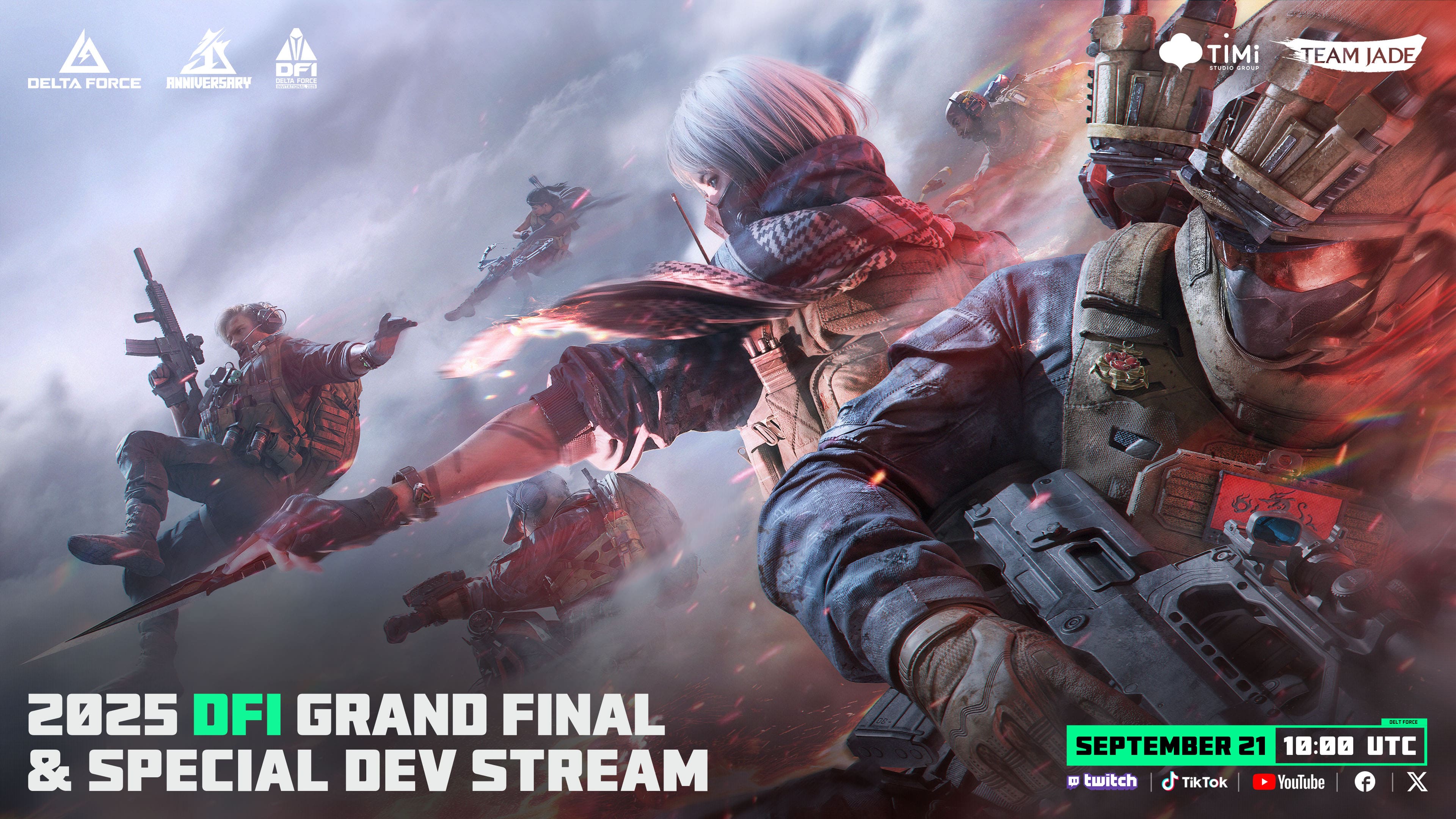
Welcome back, veterans; welcome in, new recruits. This time, we're bringing you new maps, new modes, a new Operator, and an anniversary celebration built just for you.
OPERATOR-BASED EXTRACTION SHOOTER
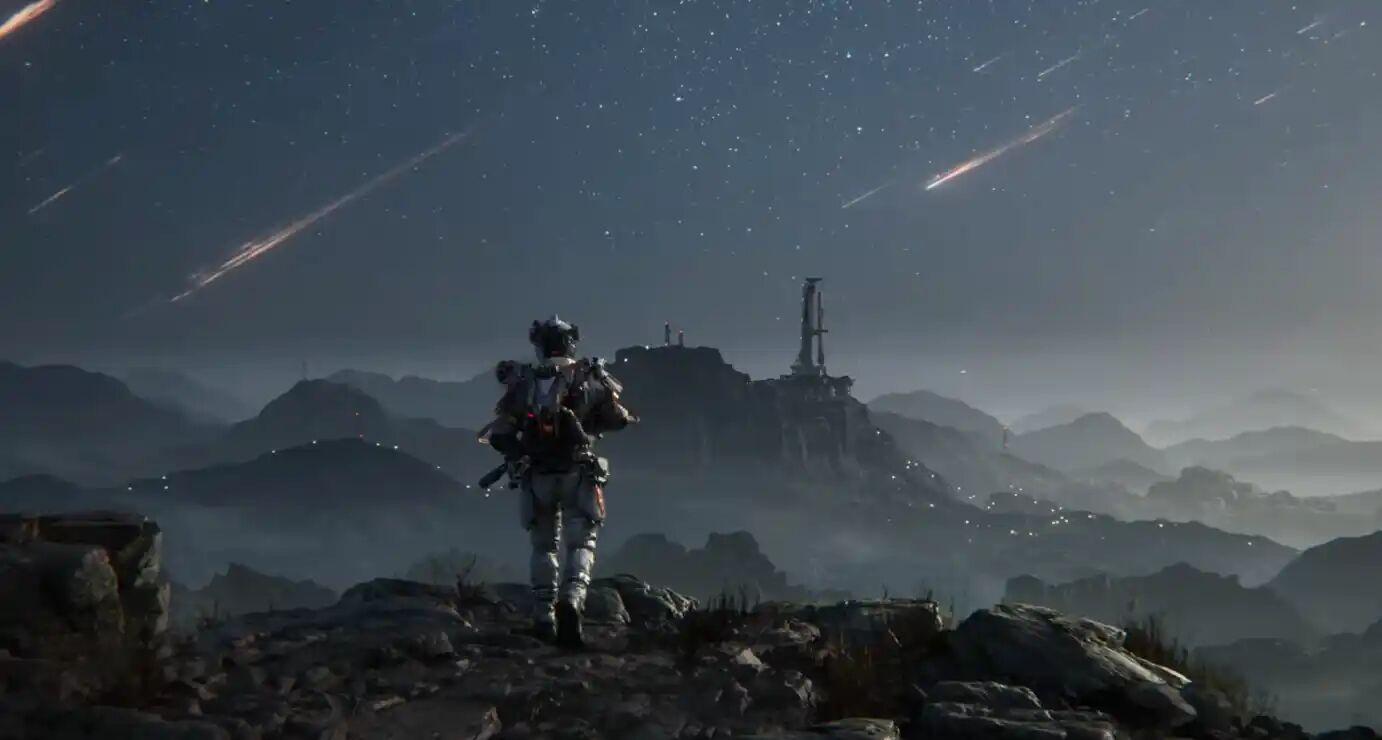
Join the G.T.I. and select from elite Operators, each equipped with unique tactical gadgets and traits. Whether you favor Detection Arrows, Magnetic Bombs, or Motorized Exoskeletons, coordinate your squad's abilities to outmaneuver rivals in high-stakes missions.
LOOTING HAS NEVER BEEN THIS FUN
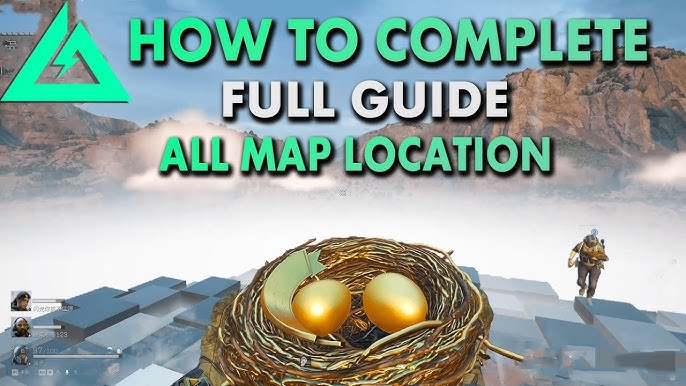
Rediscover the thrill of looting. Explore dynamic maps to decipher entry codes, scale heights for Bird Nests, or dive deep to salvage Clams. Every raid offers a new treasure hunt, turning simple looting into an adrenaline-fueled adventure.
OUTSMART BOSSES. OUTGUN THE PLAYERS.
Take on heavily armed mercenaries and ruthless bosses guarding high-value loot. But stay sharp—the deadliest threat comes from rival Operator squads hunting the same prize. Fortune awaits those who can survive the crossfire and extract. No risk, no reward.
CHOOSE YOUR EXIT STRATEGY.
Extraction is an art form. Forget standard exit zones—launch a massive Rocket Extraction, base jump with a wingsuit, or crawl through long sewer pipes to slip away unseen. Adapt your escape plan to the chaos and exfil in spectacular style.
EXFIL AND UPGRADE YOUR OPERATIONS CENTER
Survival is just the beginning. Put your loot to good use--upgrade your Operations Center to enhance physical attributes, expand stash capacity, and unlock new gear. Every improvement opens more tactical possibilities, ensuring you return to the field stronger and better equipped.
DOMINATE LAND, SEA & AIR IN ALL-OUT WARFARE
Dive into Warfare, where 48 players clash in massive battles. Command tanks and helicopters across urban streets, mountain peaks, and expansive island terrain. Experience seamless combat on maps designed for total destruction.
EXTENSIVE ARMORY, EXTREME CUSTOMIZATION
Guided by military advisors, customize real-world weapons to create and share unique builds. Go beyond firearms by modifying land, sea, and air vehicles. Tailor your entire arsenal to dominate the battlefield on your terms.
This game includes optional in-game purchases of virtual currency that can be used to acquire virtual in-game items, including a random selection of virtual in-game items.
Follow us:
Discord: https://discord.com/invite/deltaforcegame
Reddit: https://www.reddit.com/r/DeltaForceGlobal/
Instagram: https://www.instagram.com/deltaforcegameglobal/
Facebook: https://www.facebook.com/deltaforcegame
Twitter: https://x.com/DeltaForce_Game
Youtube: https://www.youtube.com/@DeltaForceGame
Tiktok: @deltaforcegame
Please contact customer service if you encounter any problems: service@playdeltaforce.com
Please read Delta Force's Privacy Policy and User Agreement
Privacy Policy: https://www.playdeltaforce.com/privacy-policy.html
Tencent Games User Agreement: https://www.playdeltaforce.com/en/terms-of-use.html
Show more

1. Download MEmu installer and finish the setup

2. Start MEmu then open Google Play on the desktop

3. Search Delta Force in Google Play
Install
4. Download and Install Delta Force
5. On install completion click the icon to start

6. Enjoy playing Delta Force on PC with MEmu
MEmu Play is the best Android emulator and 100 million people already enjoy its superb Android gaming experience. The MEmu virtualization technology empowers you to play thousands of Android games smoothly on your PC, even the most graphic-intensive ones.
Bigger screen with better graphics; Long duration, without limitation of battery or mobile data.
Full Keymapping support for precise control of keyboard and mouse or gamepad.
Multiple game accounts or tasks on single PC at one time with Multi-Instance manager.
Play Delta Force on PC by following steps: